
Finance & Budgets
7 mistakes you're making with student fee collection software (and how to fix them)
Software alone doesn't fix fragmented workflows, unclear policies, or unreliable data. These are the 7 mistakes most districts run into when implementing or managing a fee collection system — and the practical fix for each.
Student fee collection software should make school finances easier to manage. But software alone doesn't eliminate fragmented workflows, unclear policies, or unreliable data.
A district can still spend hours correcting balances, answering payment questions, reconciling transactions, and preparing audit records if the system is poorly configured or disconnected from daily operations. The good news: these problems are predictable. Here are the 7 mistakes we see most often, and the practical fix for each.
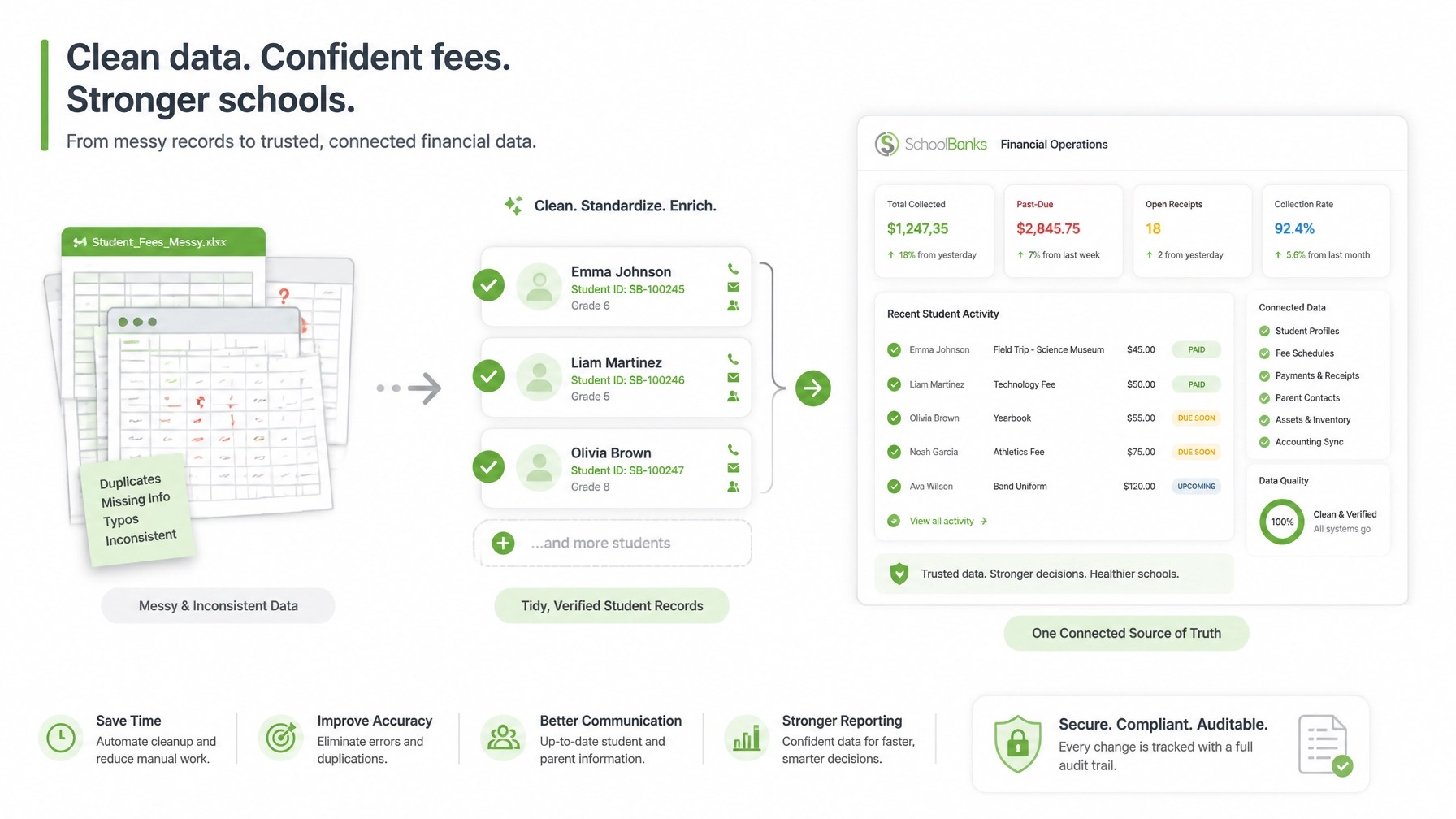
1. Importing inconsistent student and family data
A fee system is only as reliable as the records inside it. Importing data without reviewing it first can create duplicate student profiles, incorrect grade or campus assignments, outdated contact information, mismatched households, and opening balances that don't match the school's actual records. Those errors show up later as missed reminders, disputed balances, and payments attached to the wrong student.
The fix: Review data before configuring fee assignments. Standardize student IDs, names, grade levels, campuses, and guardian information, remove duplicates, and confirm how multi-student households should be represented. Define the source of truth — if the student information system owns enrollment data, the fee platform should receive it through an integration rather than manual re-entry. A phased import (one campus, grade, or fee type at a time) reduces risk.
2. Configuring fee rules as one-off exceptions
Required fees, optional fees, discounts, waivers, scholarships, sibling adjustments, and late charges are hard to review — and easy to misapply — when they're handled through repeated manual overrides. A late fee gets assigned to the wrong group. A discount is applied inconsistently. A balance changes without enough context for the next person who reviews it.
The fix: Build a formal fee catalog before configuring the workflow — name, purpose, eligible students or groups, due dates, discount and waiver eligibility, late-fee rules, and the staff roles authorized to make changes. Configure those policies as repeatable system rules, test common scenarios (siblings, mid-year enrollment, partial payments, plans) before launch, and use role-based access to protect who can edit fee structures or waive balances.
3. Treating fee collection, payments, and accounting as separate processes
One system assigns fees, another accepts payments, spreadsheets track exceptions, and an accounting platform records the final totals. Every handoff is another chance for duplicate entry or missing information — especially when a student enrolls, withdraws, or a fee changes after the original assignment.
The fix: Connect the student record, fee obligation, payment, and accounting export into one traceable workflow that shows what was assigned, to whom, what's outstanding, and what was exported to the ledger. SchoolBanks Fee Management and its payments and reconciliation workflow are built to connect collection activity with finance operations rather than leaving staff to rebuild the record afterward.
4. Offering multiple payment channels without one reliable ledger
Accepting payments through several channels isn't the problem — letting each channel create a separate record is. Card payments, checks, cash, bank transfers, and generic payment links become difficult to match when they aren't tied directly to a student and a specific obligation, forcing staff to search bank statements and email confirmations to determine who paid what.
The fix: Give families a secure, student-specific payment experience where every payment connects to the correct student, fee, amount, date, and method — with partial payments, payment plans, digital receipts, and automatic posting to a single ledger. That also improves reporting: finance teams can review collections and exceptions without combining separate files.
5. Making parents depend on staff for routine questions
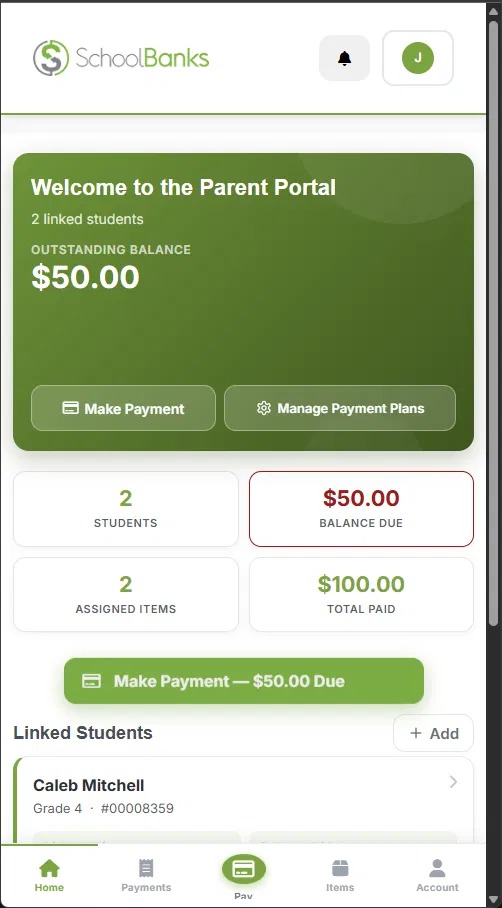
When families can't easily see balances, due dates, payment history, or receipts, routine questions become staff tasks — "what does my student owe," "was my payment received," "where's my receipt." Each question is simple, but the volume adds up to a daily administrative burden.
The fix: Provide a mobile-friendly parent portal where families can view balances, review payment history, make payments, choose a payment plan, and get automated notifications without downloading a separate app. Automated messages should follow the payment timeline — assignment, due-date reminders, overdue notices, and confirmations — so families hear from the system before a balance becomes overdue, not just after staff start making calls.
6. Overlooking reconciliation and audit controls
Some schools automate the payment screen but still manage reconciliation and adjustments manually. Failed transactions go unresolved, refunds live in email, waivers live in spreadsheets, and no one can easily see who changed a balance or why. That creates uncertainty at month-end close and makes audit prep harder.
The fix: Make reconciliation a defined workflow with assigned ownership — review pending, failed, unmatched, and reversed transactions on a regular schedule instead of waiting for month-end. Maintain a protected audit trail for fee assignments, payments, refunds, waivers, corrections, write-offs, user access, approvals, and GL exports, with locked export batches to prevent changes after records are submitted. The K-12 Audit Readiness Checklist is a practical way to review where your records are already clear.
7. Choosing software without planning implementation
A district selects a platform based on price, a short feature list, or a persuasive demo — then implementation starts without a clear owner, rollout plan, training schedule, or integration review. Staff fall back to spreadsheets, parents get inconsistent instructions, and fee rules change mid-cycle. The result is software without a dependable operating process.
The fix: Evaluate the full implementation, not just the interface — data import and validation, SIS and accounting integrations, role-based access, security documentation, and support availability. Then roll out in stages: document the current workflow, define the target workflow, configure and test with real scenarios, pilot with one campus or fee category, train by role, launch with clear support, and review results. SchoolBanks reports an average go-live time of less than one week, with U.S.-based support and no hidden implementation fees.
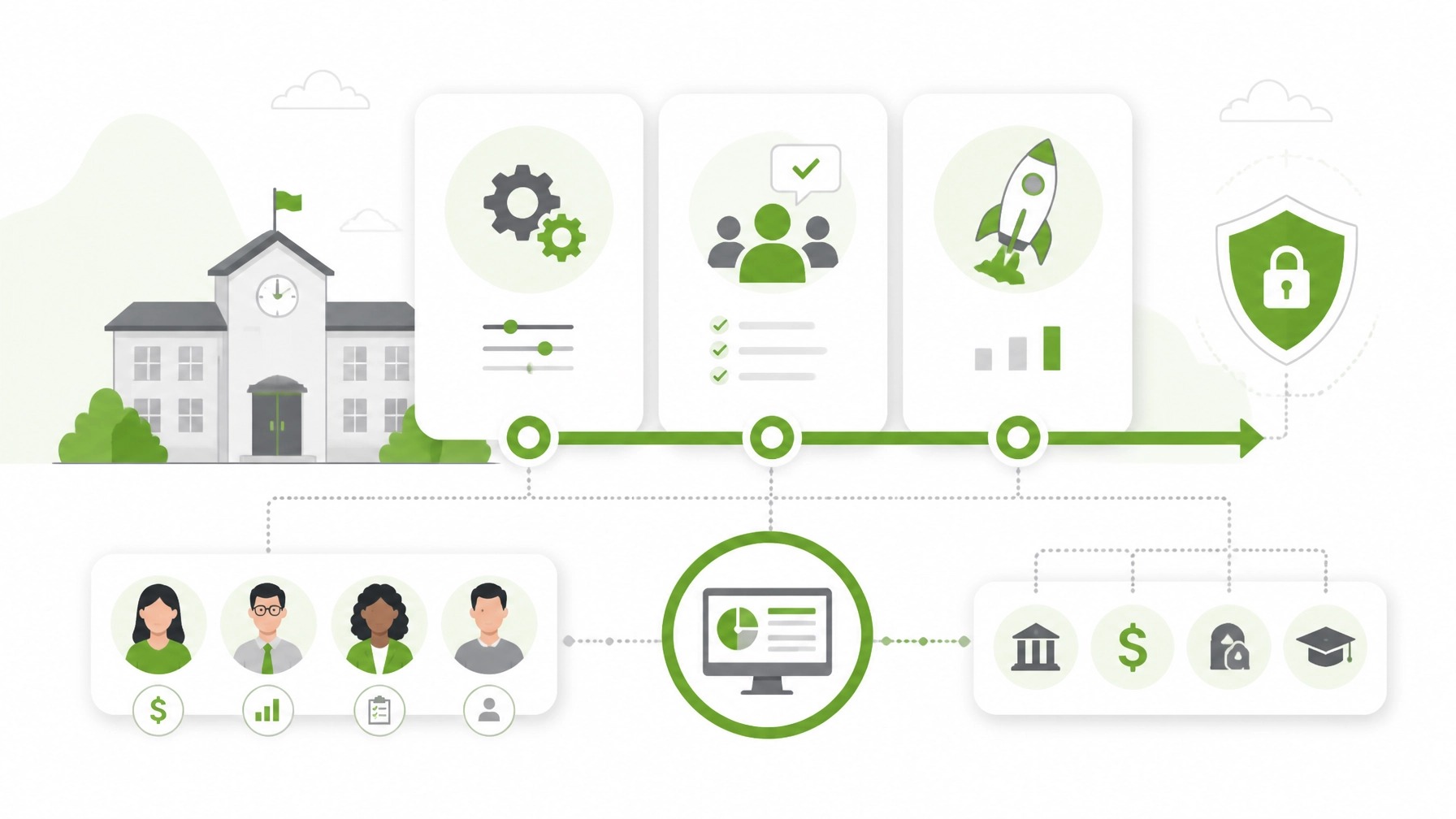
What a reliable fee collection workflow looks like
The strongest systems connect every step: assign fees to the right students or groups, notify families with clear amounts and due dates, collect payments through a secure portal, update balances automatically, reconcile transactions, approve sensitive changes and exports, report current status to leaders, and retain an audit-ready record of the full lifecycle.
That sequence replaces fragmented work with visibility. Families see what they owe, staff see what needs attention, and finance leaders see whether records and exports are complete.
Review your process before the next billing cycle
You don't need to change everything at once. Start by asking: Can staff trace every payment to a student and fee? Can families see balances without calling the school? Are waivers and corrections approved and logged? Do fee records and accounting exports agree? If the answer is "not consistently," the issue is likely the workflow, not the effort of your team.
Use the K-12 Audit Readiness Checklist to assess your current controls, or book a SchoolBanks demo and we'll walk through your fee collection process to show exactly where it's leaking time and money.